
Boots Connect
See approved maintenance activity without replacing the on-site team. Boots Connect gives authorized owners and managers a clear view of what happened at the property. It is the client-facing reporting layer that complements the physical work performed by our technicians.
What Boots Connect currently provides
- Approved visit reports after Operations review
- Photo-verified completions where permitted
- Open items that stay visible until resolved
- Consistent record of work completed versus items requiring attention
How it supports our physical maintenance services
Scheduled on-site maintenance is a separate paid service. Technicians follow an agreed scope, document the visit and submit for review. Approved information becomes available in Boots Connect. The portal does not replace the need for on-site attention — it makes the results visible to you.
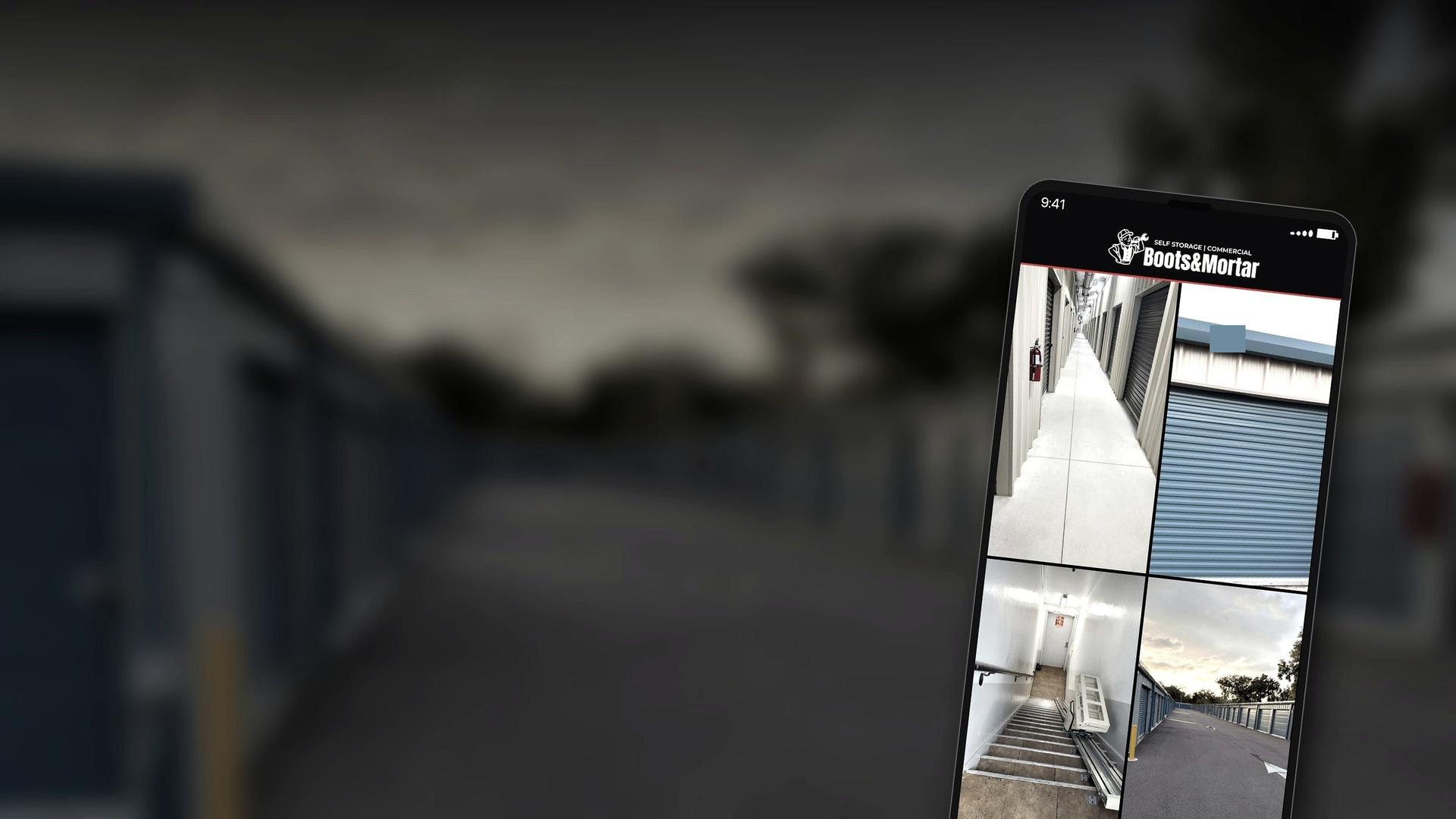
Example report workflow
- Technician completes authorized tasks and records observations.
- Operations reviews the submission.
- Approved report appears in Boots Connect with photos (where permitted), completed work, open items and next actions.
- You review from anywhere and decide on follow-up.
The difference between Boots Connect and on-site maintenance
Boots Connect is the customer view of approved reports and activity. It is currently offered at no cost. The physical maintenance work (overlocking, checks, cleaning, repairs) is a separate paid service performed by our technicians. The two work together: the on-site team does the work; Boots Connect helps you see the results.
Frequently asked questions
Is Boots Connect free?
Portal access is currently offered at no cost. Scheduled physical maintenance is a separate paid service.
Can I see supporting photographs?
Yes, where permitted by the facility operator and included in the approved report.
Do outstanding items have persistent tracking?
Open items remain visible in reports until resolved or escalated.